Free vs Paid SEO Tools - What's Actually Worth It?
If you've ever Googled 'best SEO tools', you'll know the rabbit hole is deep. There are hundreds of options, ranging from completely free to eye-wateringly expensive monthly subscriptions. And if you're a small business owner trying to grow your website traffic without a marketing department behind you, figuring out what you actually need can feel overwhelming.
So let's cut through the noise. Here's an honest breakdown of the free vs paid SEO tools landscape - and what's genuinely worth your time and money.
First, What Do SEO Tools
Actually Do?
SEO tools help you understand how your website is performing in search engines, find the right keywords to target, track your rankings, analyse your competitors, and identify technical issues that might be holding you back.
The good news? You don't need to spend a fortune to get started. The bad news? At a certain point, free tools do have their limits.
The Best Free SEO Tools
Here are the most common reasons your website isn't converting—and the specific fixes for each one.
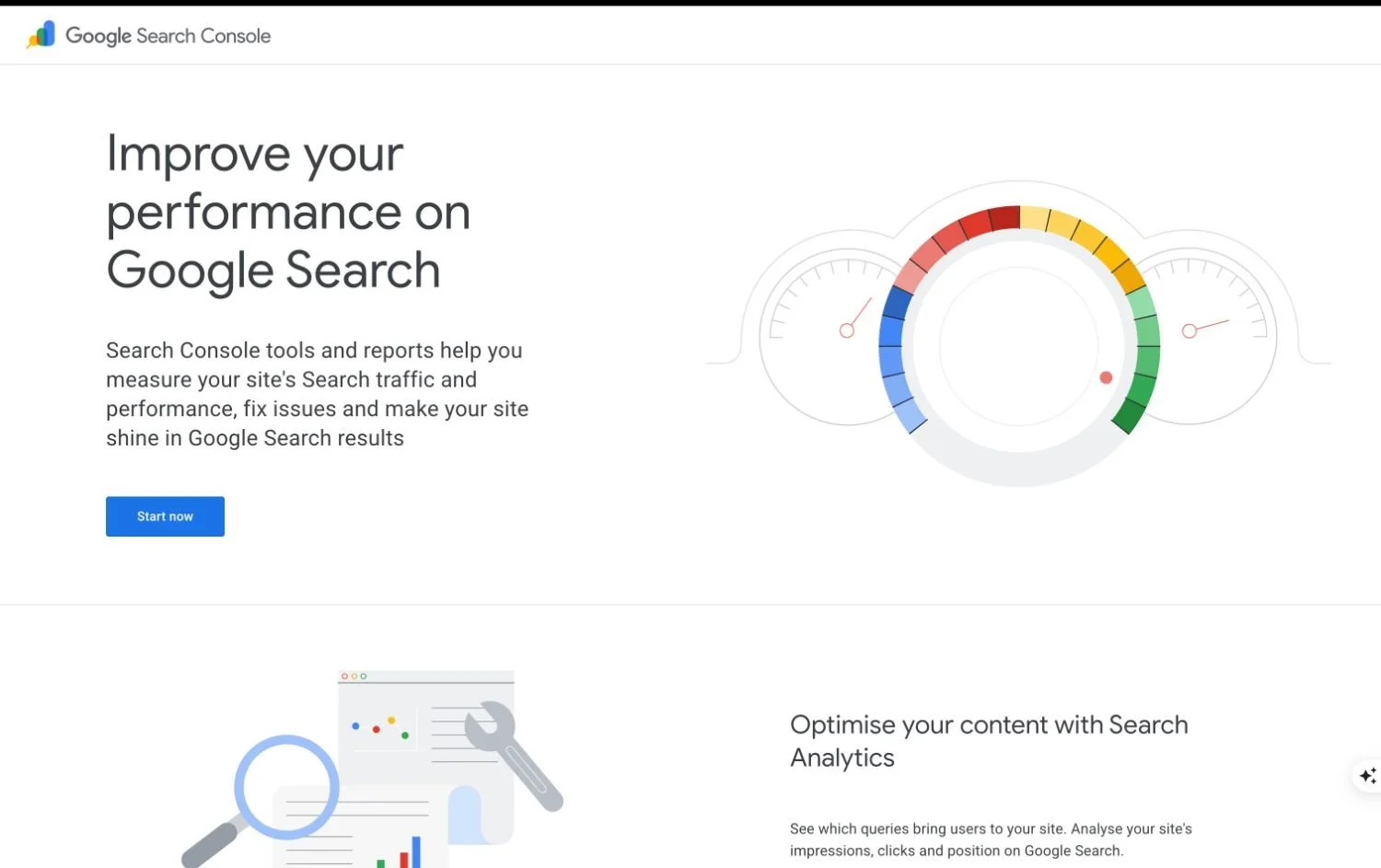
1. Google Search Console
Honestly, if you're only going to set up one tool, make it this one. Google Search Console is completely free and comes straight from the source - Google itself. It shows you:
Which search terms are bringing people to your site
Which pages are getting the most clicks and impressions
Any technical errors Google has found on your site
Your average position in search results
It's not the flashiest tool, but the data is incredibly valuable. Set it up, connect it to your website, and check it regularly.
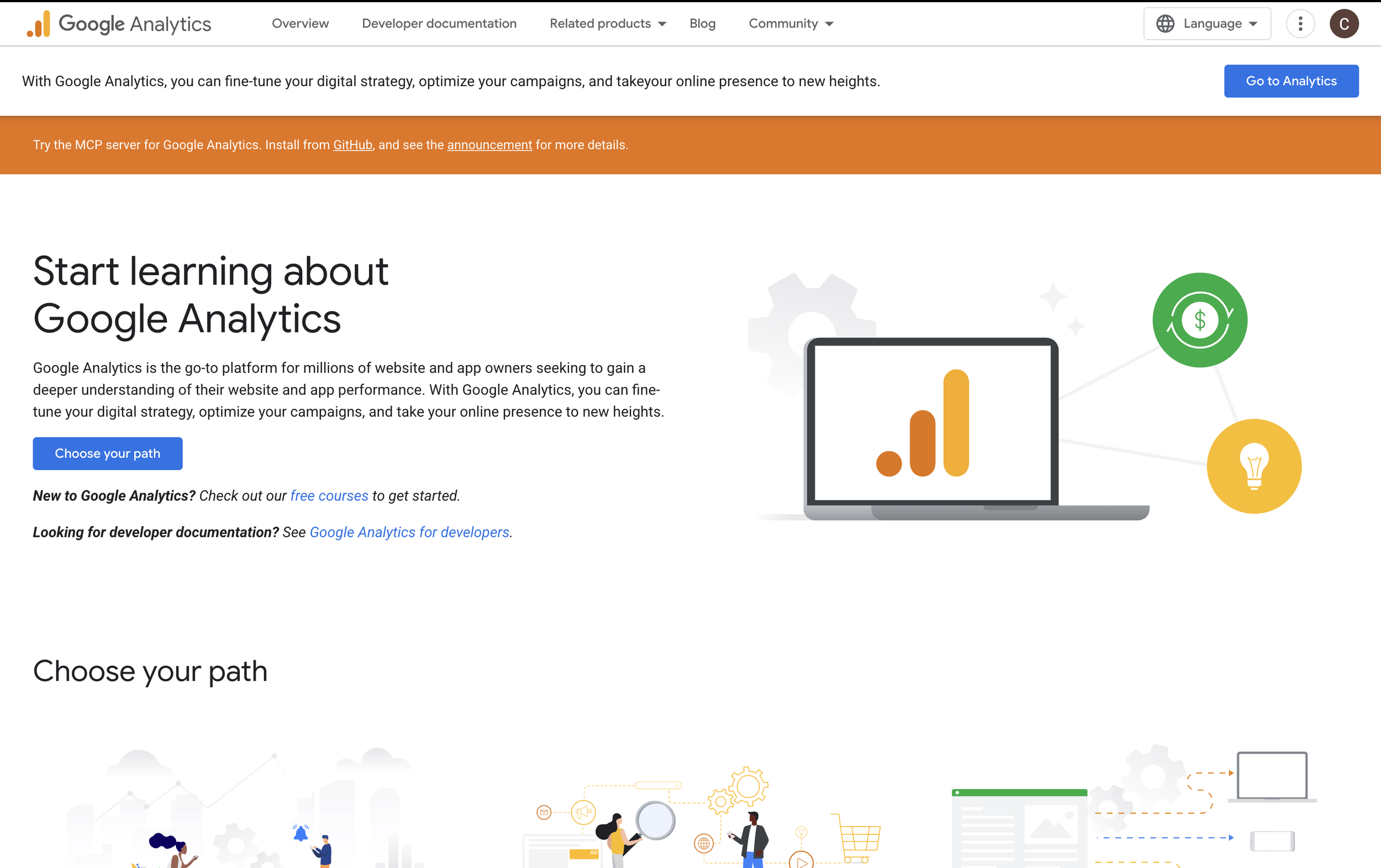
2. Google Analytics
Another free tool from Google, Analytics shows you what happens once people land on your site - how long they stay, which pages they visit, and where they came from. It won't tell you about your keyword rankings, but it's essential for understanding your audience.
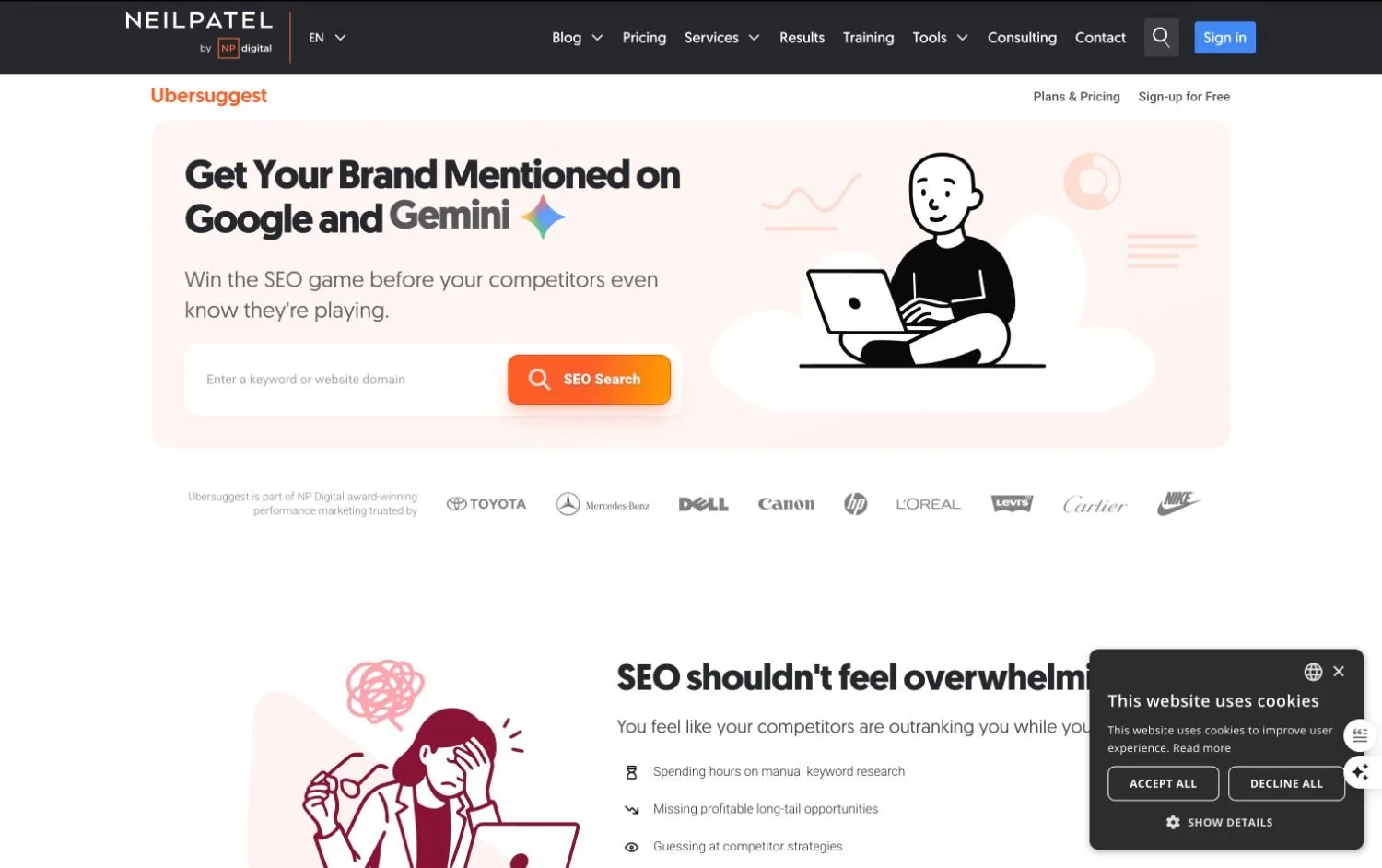
3. Ubersuggest (Free Plan)
Neil Patel's Ubersuggest has a limited free version that lets you do basic keyword research and see some competitor data. The free allowance is fairly restricted, but it's a decent starting point if you're on a tight budget.
4. Google Keyword Planner
Technically designed for Google Ads, Keyword Planner is free to use and gives you search volume data and keyword ideas. The numbers can be quite broad (showing ranges rather than exact figures unless you're running ads), but it's a useful free resource.
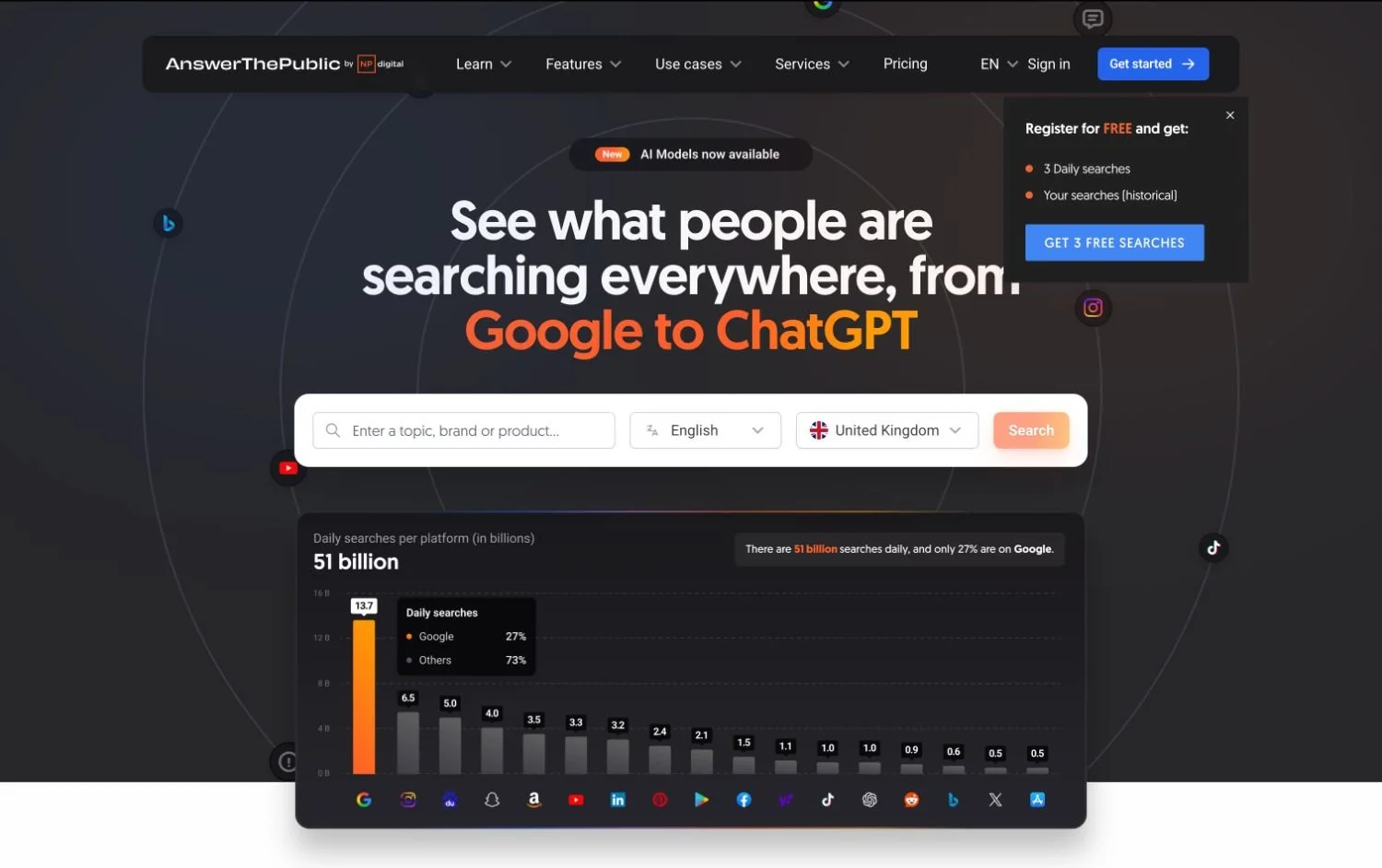
5. AnswerThePublic
A brilliant tool for content ideas. Pop in a keyword and it shows you all the questions people are asking around that topic. There's a limited free version, or you can pay for unlimited searches. Great for blog post inspiration and understanding what your audience actually wants to know.
If You're on Squarespace - Start Here
If your website is built on Squarespace (which these templates are designed for), the good news is that Squarespace has a solid set of SEO features built in - and thanks to their Refresh 2025 update, the platform has made some genuinely impressive additions that make SEO significantly easier to manage.
The foundations Squarespace gives you automatically
Before you even think about additional tools, Squarespace is doing a lot of the heavy lifting behind the scenes:
Automatic sitemap generation - Squarespace creates and updates your sitemap automatically, which helps Google find and index your pages
Clean, crawlable code - Squarespace sites are built with SEO-friendly structure, so you're starting from a strong technical foundation
SSL certificate included - all Squarespace sites run on HTTPS, which is a trust and ranking signal for Google
Mobile-optimised by default - Squarespace templates are fully responsive, and since Google uses mobile-first indexing, this matters more than ever
Google Search Console integration - connect your site directly from your Squarespace settings
The new AI-powered SEO tools (Refresh 2025)
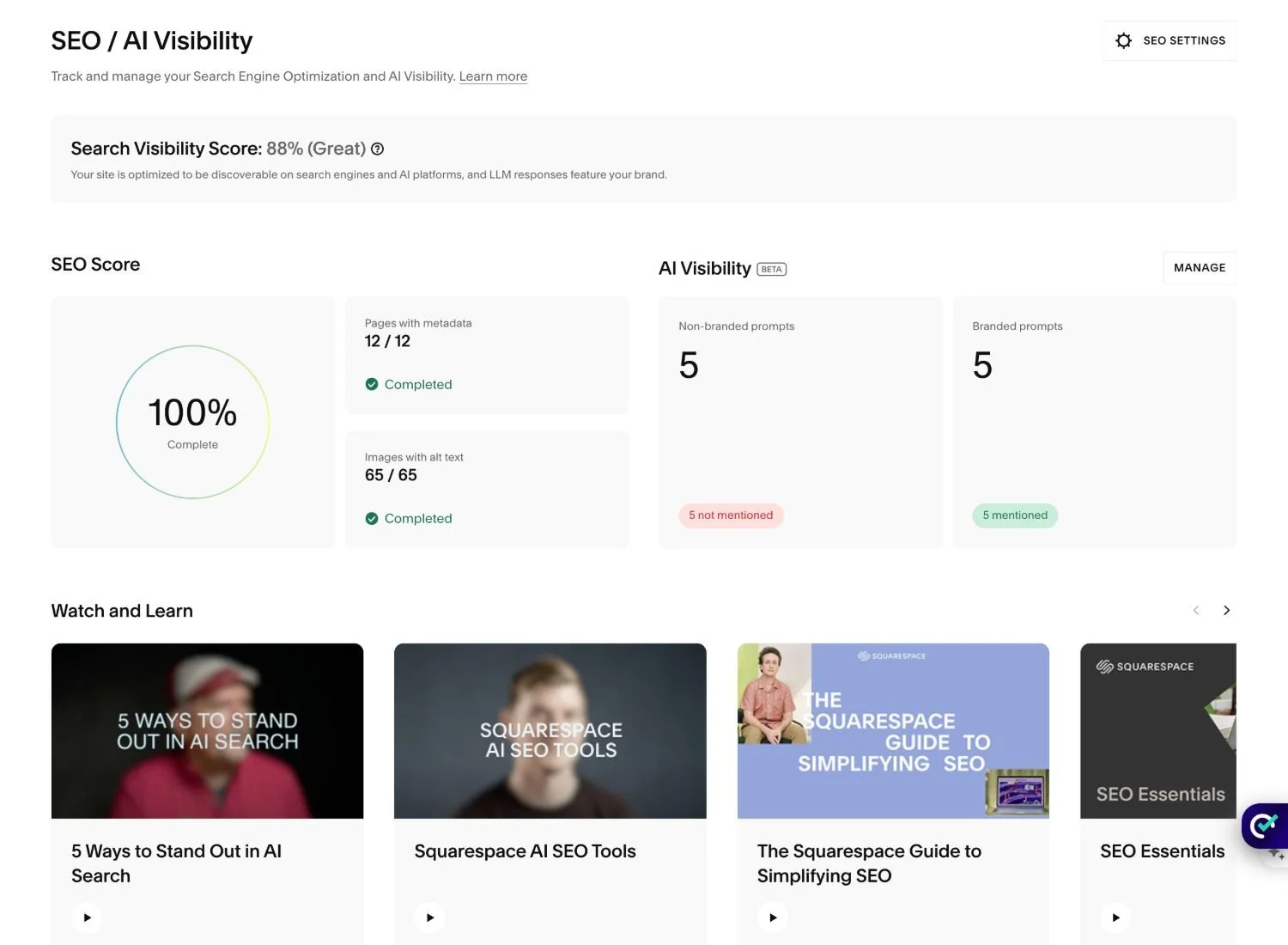
Squarespace's 2025 update introduced a dedicated SEO/AIO panel that makes it much easier to see how your site is performing and fix the gaps quickly. Here's what it gives you:
Your SEO score: A clear, at-a-glance score showing how much of your site's SEO has been properly filled in. It immediately shows you which pages are missing metadata and which images are missing alt text - so you know exactly where to focus.
AI-generated metadata: For any pages missing an SEO title or meta description, Squarespace's built-in AI will suggest them for you. You review, tweak if needed, and save. No more staring at a blank field wondering what to write.
AI-generated alt text for images: Instead of going into each image individually, Squarespace scans your whole site, finds every image missing alt text, and generates suggestions for all of them in one place. You approve and save in bulk - a huge time-saver for anyone who's let this slide.
AI visibility: This is the really forward-thinking feature. Squarespace now shows you how visible your site is in AI-generated search results - the kind of answers that appear in ChatGPT, Gemini, and Google's AI Overviews. As more people use AI tools to find businesses and services, showing up in these results is becoming just as important as ranking on Google.
For Squarespace users, this means a lot of the SEO work that used to feel tedious or technical is now handled in one straightforward panel. It won't do the strategic thinking for you, but it removes the friction around the basics - which is often the thing that stops people doing it at all.
When Paid Tools Are Worth It
Free tools will get you started, but they have limitations - lower search volumes, restricted data, and fewer features. If you're serious about growing your website traffic, a paid tool is worth considering. Here are the most popular ones:
SEOSpace (Free and Paid - Squarespace Specific)
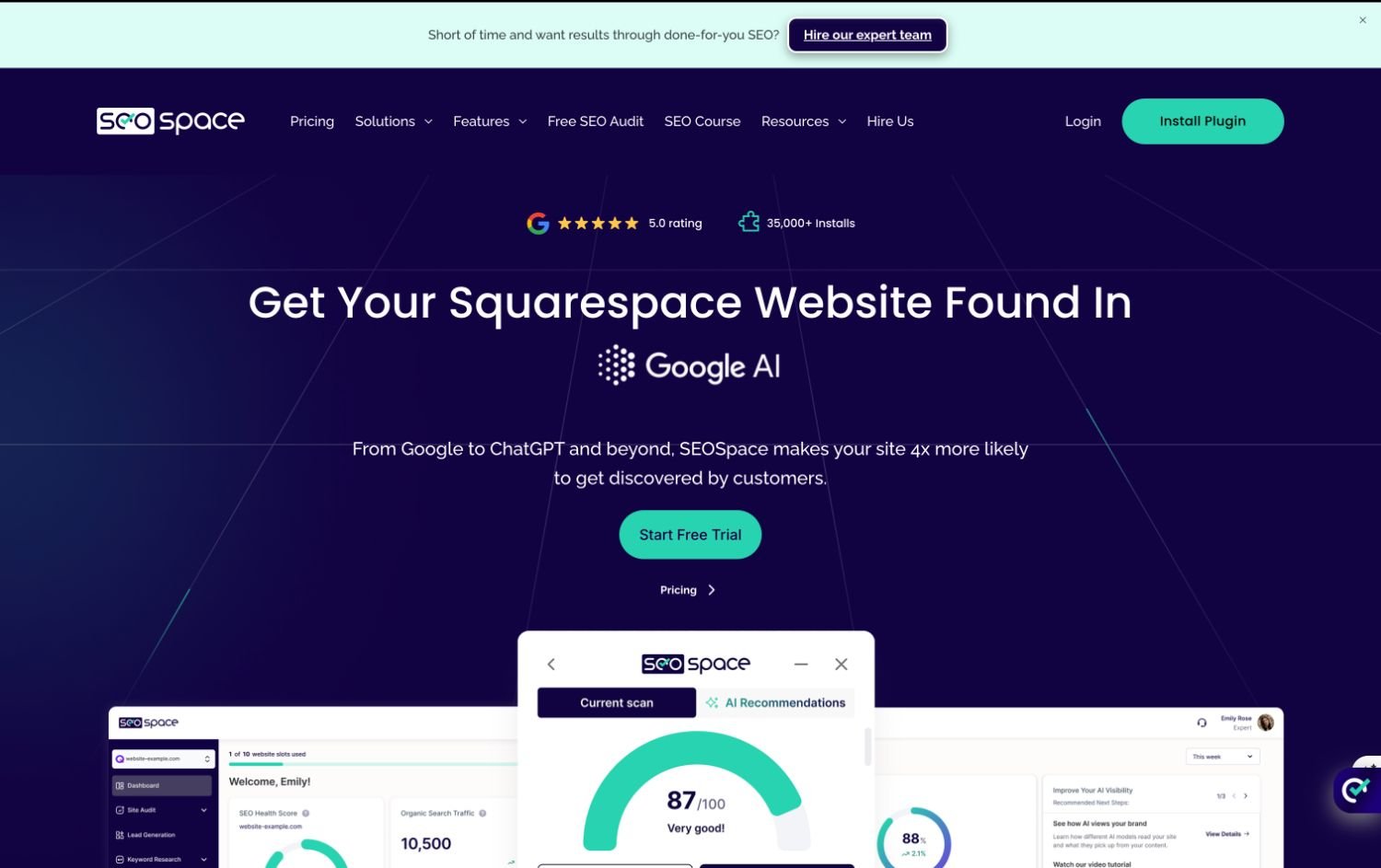
If you're on Squarespace, SEOSpace is one of the most useful tools you can add to your kit. It's built specifically for Squarespace websites, which means it understands the platform inside out and gives you tailored, actionable recommendations rather than generic advice.
The free version gives you a solid SEO audit of your site with a clear score and specific suggestions for improvement - brilliant for understanding where you stand and what to prioritise. The paid version unlocks more detailed analysis, ongoing tracking, and step-by-step guidance for improving your score over time.
What makes SEOSpace particularly worth a mention is that their paid services also include features to help you get found in AI search results - a growing area as more people use tools like ChatGPT and Google's AI overviews to find businesses and services. This is still a relatively new frontier in SEO, but it's one to get ahead of.
If you're a Squarespace user looking for one focused, easy-to-use SEO tool, SEOSpace is an excellent place to start.
Semrush
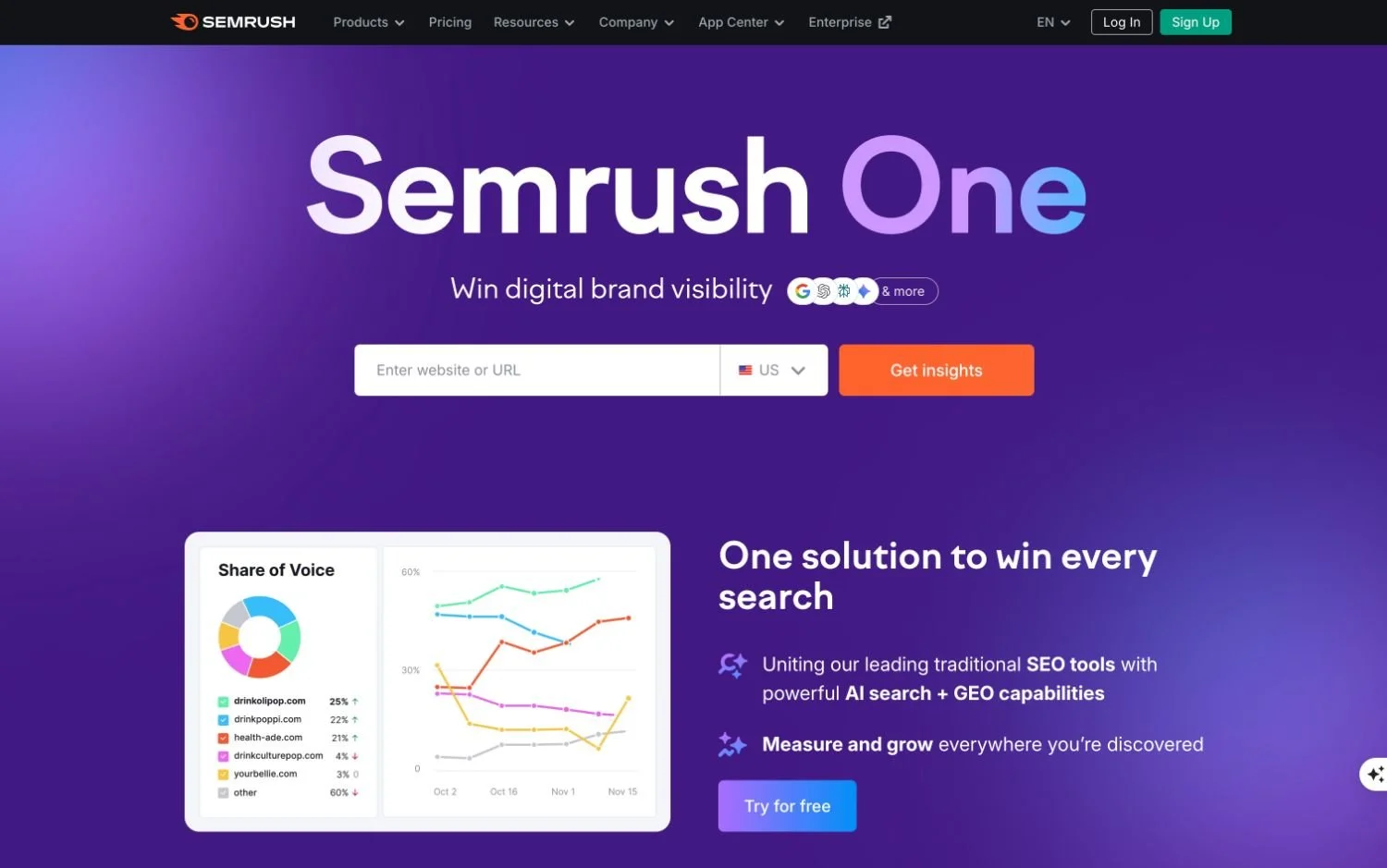
One of the most comprehensive SEO platforms out there. Semrush gives you in-depth keyword research, competitor analysis, site audits, backlink tracking, and more. Plans start at around £99/month, so it's a bigger investment - but if SEO is a priority for your business, it's genuinely powerful.
Ahrefs
A favourite among SEO professionals. Ahrefs is particularly strong for backlink analysis and competitor research. Similar price point to Semrush, and the two are often compared side by side. Both have free trials worth exploring.
Moz Pro
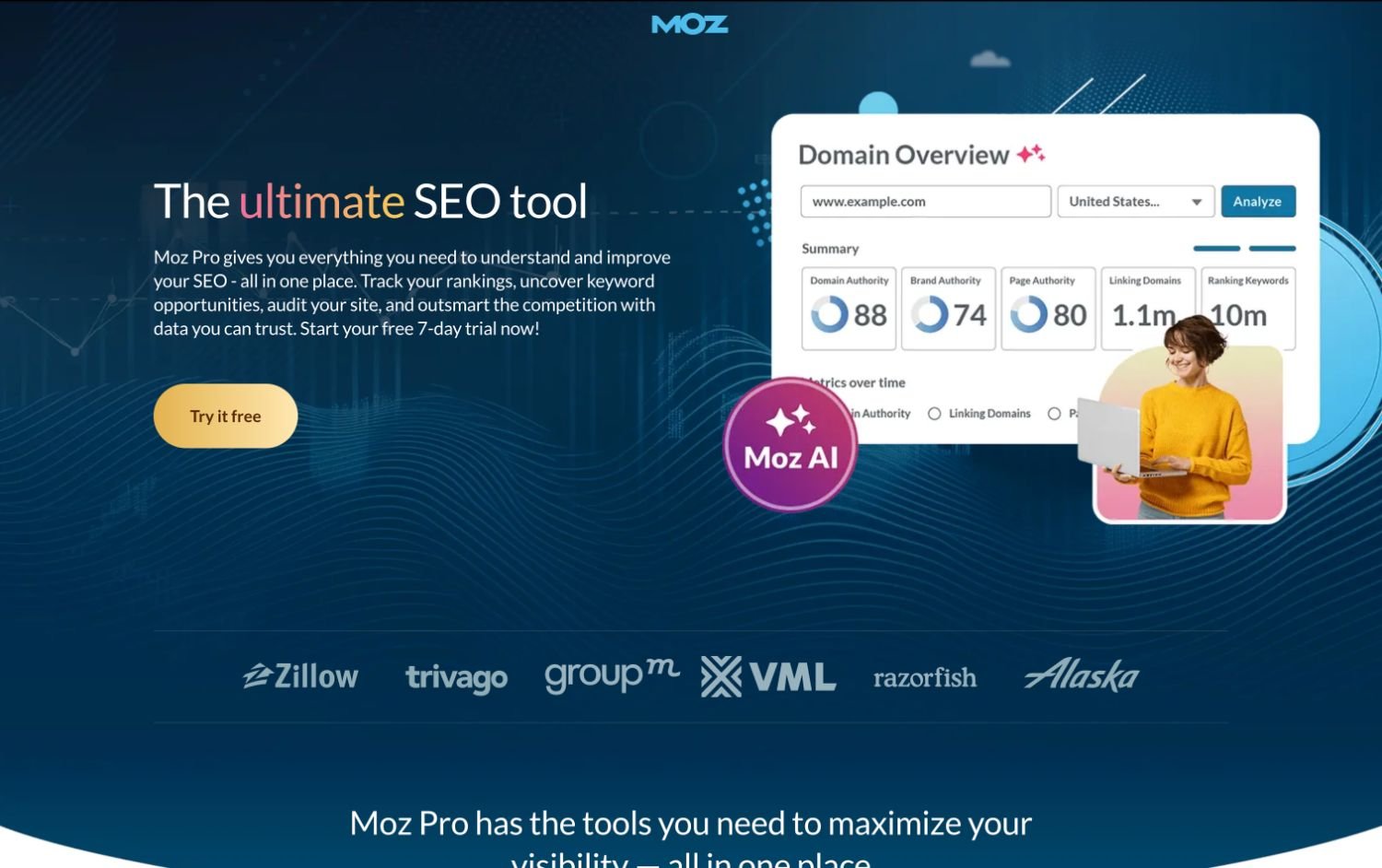
Slightly more beginner-friendly than Semrush or Ahrefs, Moz Pro offers keyword tracking, site audits, and a helpful 'Domain Authority' metric. It's a solid mid-range option.
RankMath or Yoast SEO (for WordPress)
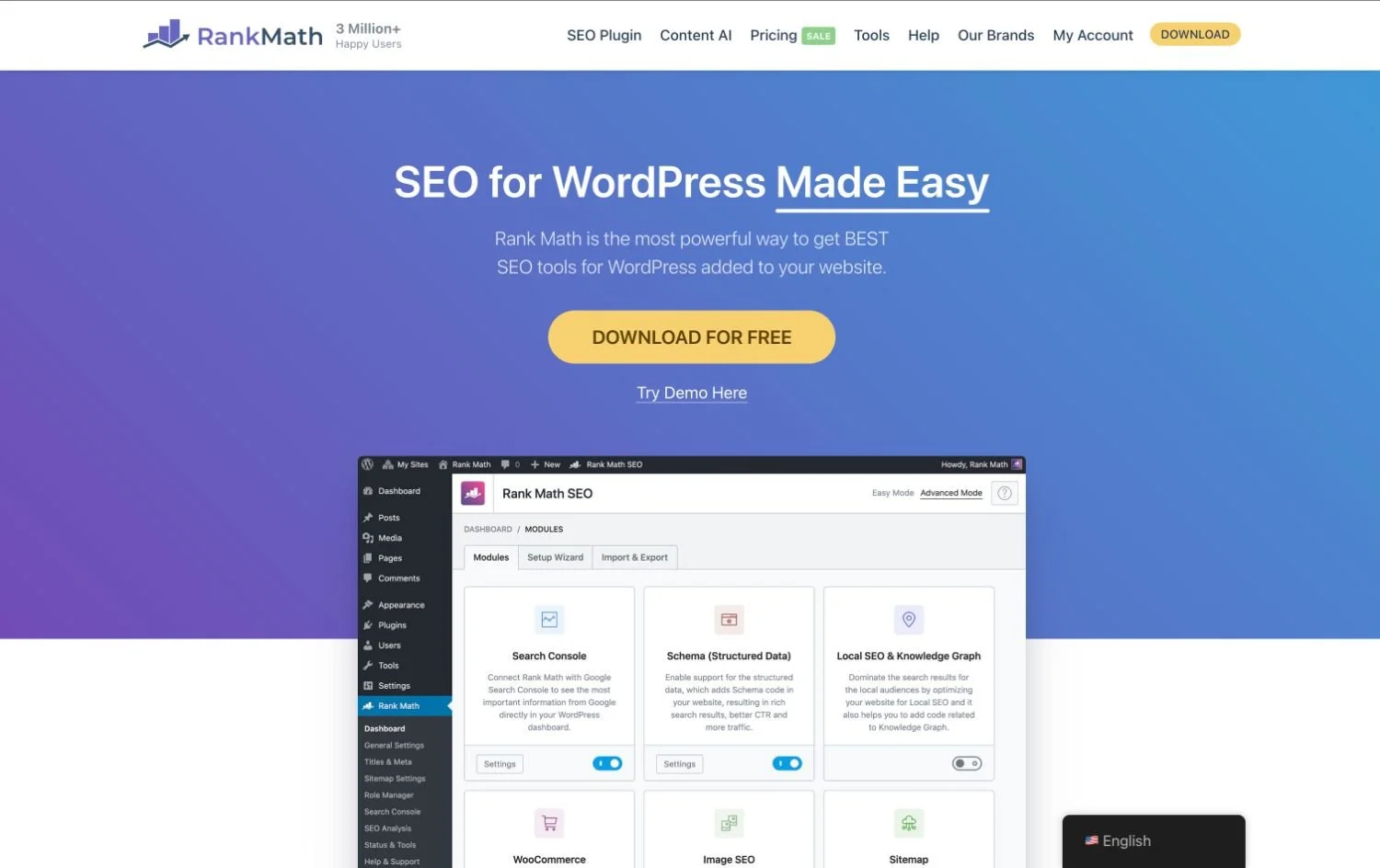
If your site is built on WordPress, both RankMath and Yoast offer free plugins that handle on-page SEO really well - helping you optimise your content, meta descriptions, and technical SEO settings without needing a separate tool.
What About AI for SEO?
AI tools are increasingly being used to support SEO work - from generating keyword ideas to writing and optimising content. Tools like ChatGPT, Claude, and Surfer SEO's AI features can help you:
Brainstorm blog post topics around your keywords
Write and refine meta descriptions
Analyse your existing content for SEO improvements
Create content briefs based on top-ranking pages
AI won't replace a solid SEO strategy, but it can save you a significant amount of time - particularly with content creation.
So What Should You Actually Use?
Here's a simple recommendation depending on where you are in your business:
Just starting out on Squarespace: Make sure your built-in Squarespace SEO settings are fully filled in, connect Google Search Console, and run a free SEOSpace audit to see where you stand.
Ready to go deeper: Upgrade to SEOSpace's paid plan for ongoing tracking and guidance, and add AnswerThePublic for content ideas.
Serious about scaling: Add Semrush or Ahrefs to your toolkit for in-depth keyword research and competitor analysis.
Future-proofing: Look into SEOSpace's AI visibility features to start getting your business found in AI search results - an area that's only going to grow in importance.
The truth is, the best SEO tool is the one you'll actually use consistently. Start with what's free, understand the data, and upgrade when you've outgrown it.