The Creative Launch Lab

A library of how-to videos and resources to help you customise your Squarespace template and launch faster.

What’s inside
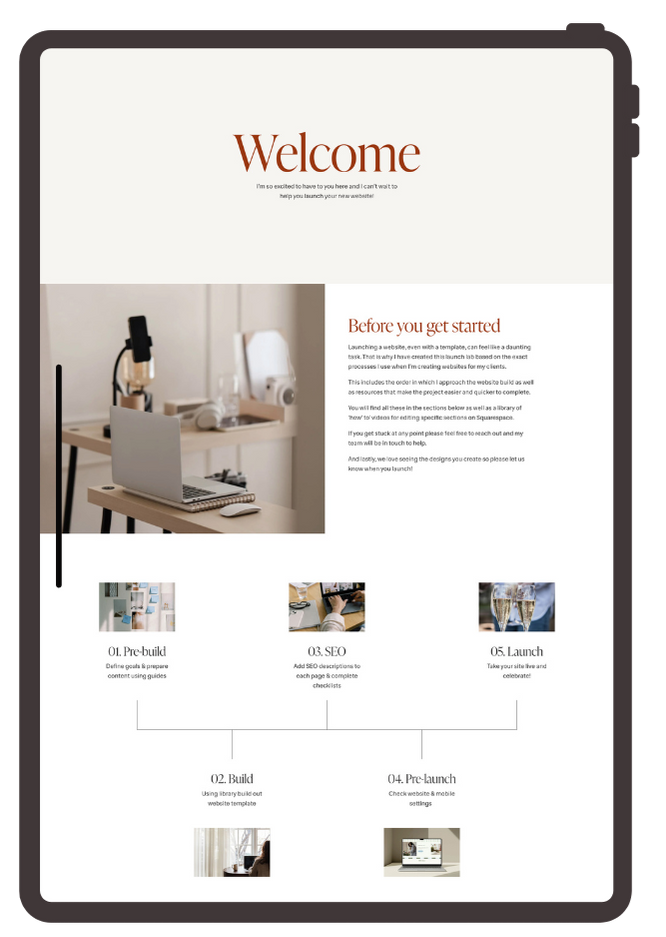
A tablet displaying a website launch guide with sections titled Welcome, Before you get started, Build, Pre-launch, SEO, and Launch, including images and text about website development steps.
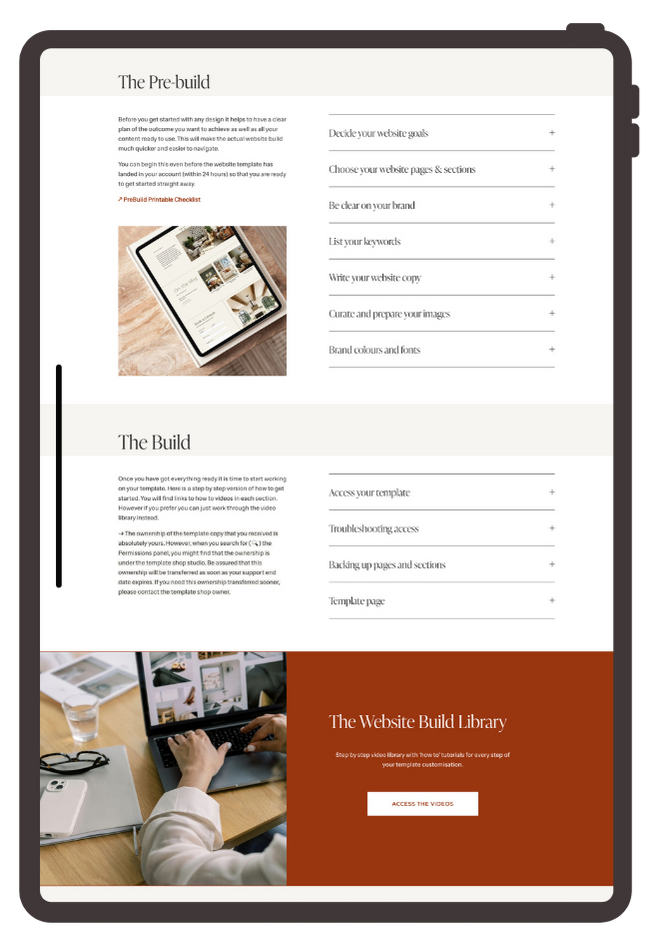
Open laptop screen displaying website template with sections on pre-build and build steps, image of a workspace, and a red section with a button labeled 'Access the videos' for a website build library.
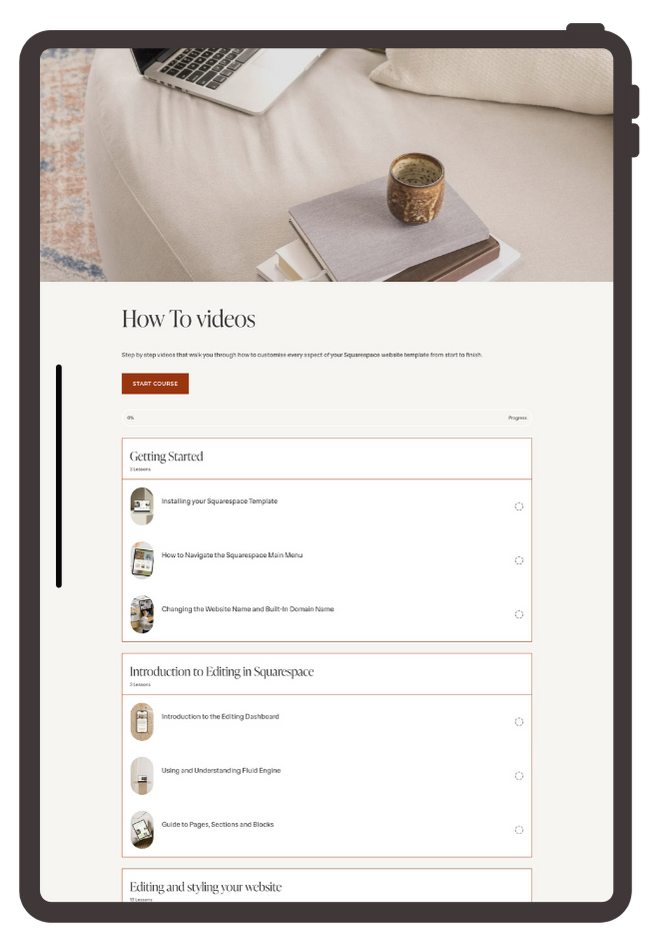
Screenshot of a Squarespace tutorial webpage showing course modules on how to create and edit a website, with a laptop, notebook, and ceramic cup on a beige couch in the background.
  • A detailed guide to each step of the process - pre-build, the build, SEO, pre-launch and the launch

  • A library of ‘how-to’ videos to explain how to use and customise each part of the template

  • Resources on how to style your website including choosing fonts and colours, and finding stock images that fit your business

  • A section on how to write website copy including a fillable workbook and AI options to help create you a starting framework to work from

  • Best practice SEO and resources for additional support
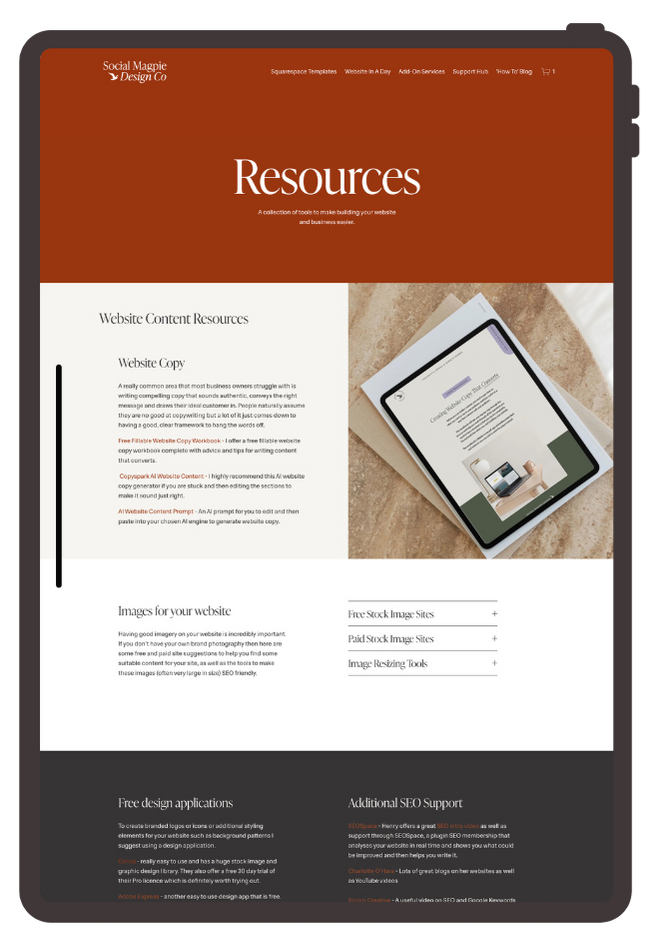
Screenshot of a website page titled 'Resources' with a brown header, a white section with text on website content resources, and an image of a tablet on a textured surface. The footer has sections for free design applications and SEO support.
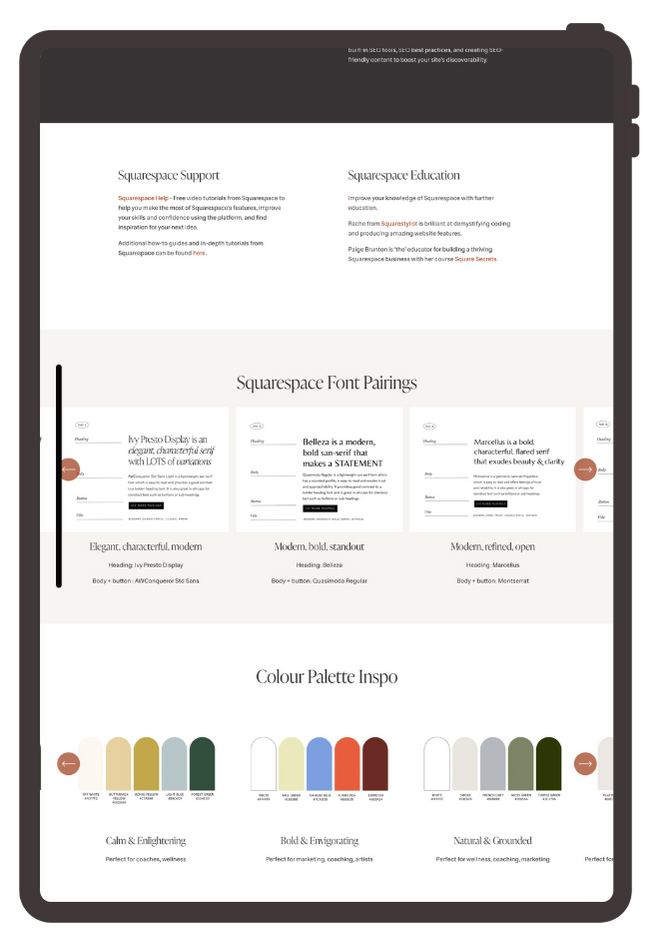
Screenshot of a webpage showing sections on Squarespace support, education, font pairings, and color palettes.

Launch this weekend with our simple 3 step system

A white wall decorated with assorted photographs, sticky notes, and small objects, illuminated by natural sunlight.

1.
Prep Your Content

Organise your photos, copy, and brand colours using our detailed setup guide to make adding them to the site easier and quicker (and SEO friendly).
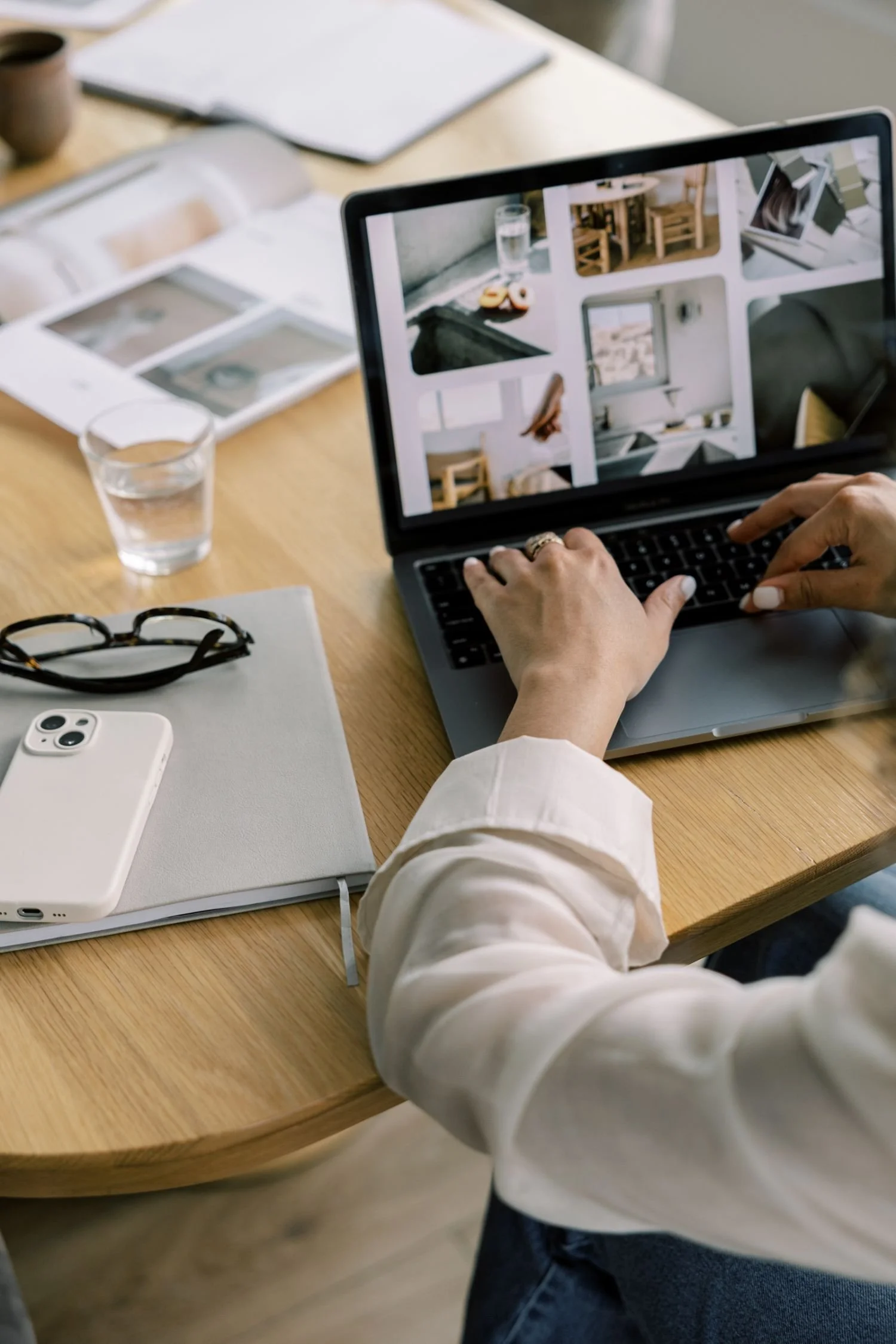

Person working on a laptop with interior design photos on screen, surrounded by glasses of water, a white phone, glasses, notebooks, and design magazines on a wooden table.

2.
Style Your Site

Follow our step-by-step stress-free video tutorials to add all your content onto the site and make sure it looks great across all devices.
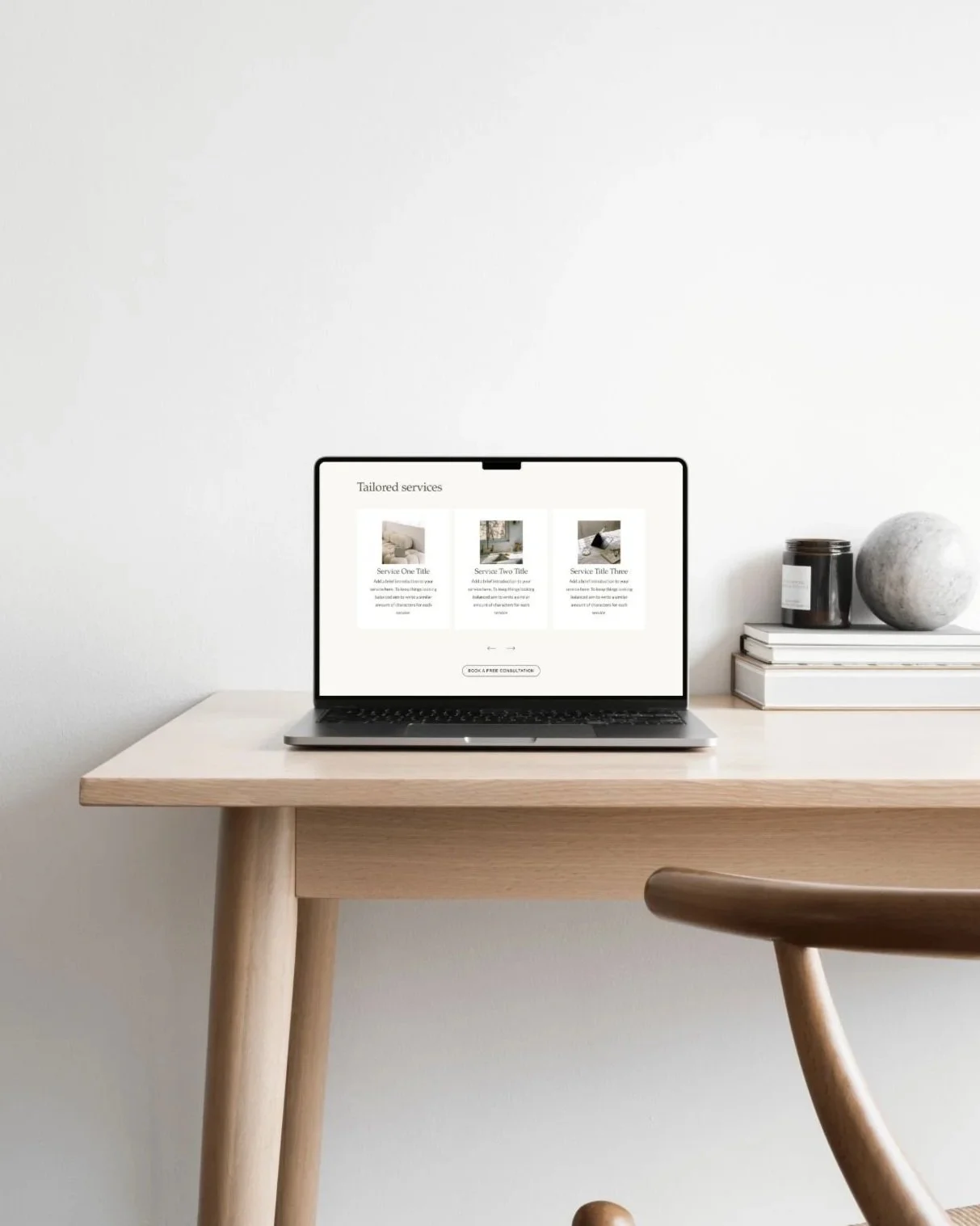
Laptop on a light wooden desk displaying a website with tailored services, next to a stack of books and a jar candle, with a decorative stone on top.

3.
Take It Live

Use the checklists to confidently launch with a robust website that is strategic, optimised for mobile and ready to convert visitors into buyers.

Ready to get started?

SEE THE TEMPLATES